Suno AI Won’t Let You Type “Sounds Like Drake.” Here’s What Actually Works.
Type an artist’s name into Suno and you’ll get flagged. That’s by design: Suno strips out direct artist references to avoid copyright issues. So the workaround everyone tries first (name-dropping the sound they want) doesn’t work.
What does work: translate the artist into their sonic ingredients (genre, vocal texture, production era) and give Suno that instead.
The Formula Behind Every Artist Translation
Every working Suno prompt answers the same four questions. Leave one out and Suno fills the gap with a generic guess.
[Genre / sub-genre] + [Vocal character] + [Instrument or production detail] + [Mood or era]
Here is how it breaks down for one artist, so you can see the logic:
Genre (soul-jazz), vocal (smoky female), instrument (retro horns), mood (intimate). Four anchors instead of one vague “sad song.” That information density is why some prompts consistently sound better than others. Google’s prompt engineering guide explains the same principle for text models, and it holds for music generation too.
Artist Translations: 6 Examples to Start With
Paste any of these into Suno’s style field to hear the formula working:
24 More Artists, Already Translated
The full library has the style recipe for each of these (and thousands more). Tap any card to see them all:
Skip the trial and error
Every artist above, plus thousands more, translated into Suno-ready style prompts.
Get the Full Prompt LibraryTested and refined with feedback from 500+ music producers.
Moods You Can’t Name a Musician For
Sometimes you’re chasing a vibe that doesn’t map to one artist. Build it from the same four slots:
[Genre], [2 texture words], [lead instrument], [vocal type], [mood]
Example shape: Vintage jazz lounge, [texture], [texture], [instrument], [vocal type]
Fill each slot with something specific. “Smooth” and “warm” are weaker than “muted trumpet” and “brushed drums.” The full library includes tested sets for worship, cinematic, EDM, lo-fi, Afrobeat, trap metal and more, so you’re not guessing which words Suno responds to.
What Separates a Good Prompt From a Great Track
A strong style prompt gets you close. These are the pieces that get you the rest of the way, and they’re what the full guide covers:
- Vocal-style prompts for texture (whispered, raspy, choir, airy-harmonized), separate from genre
- Meta-tags like [Intro] [Chorus] [Bridge] to control song structure inside Suno
- BPM-by-emotion charts, so tempo isn’t a guess either
- Genre-specific prompt sets for hip-hop, EDM, worship, cinematic, jazz, experimental and Afrobeat
Ready for tracks that sound intentional?
3,000+ tested prompts, vocal styles, meta-tags and BPM charts in one guide.
See What’s Inside on GumroadSuno AI Strategy & FAQ
What is Suno AI and how does it work?
Suno AI is an AI-powered music generation platform that transforms written prompts into complete songs. You describe the genre, mood, tempo, instruments, and vocal style, and the system composes instrumental layers, melodies, harmonies, and vocals within seconds. It generates multiple variations per request, allowing you to compare outputs and select the strongest version. The quality of the final track depends heavily on how clear and structured your prompt is. And which means you need to know how to use Suno AI advanced prompts.
How do I write a high-quality Suno AI prompt?
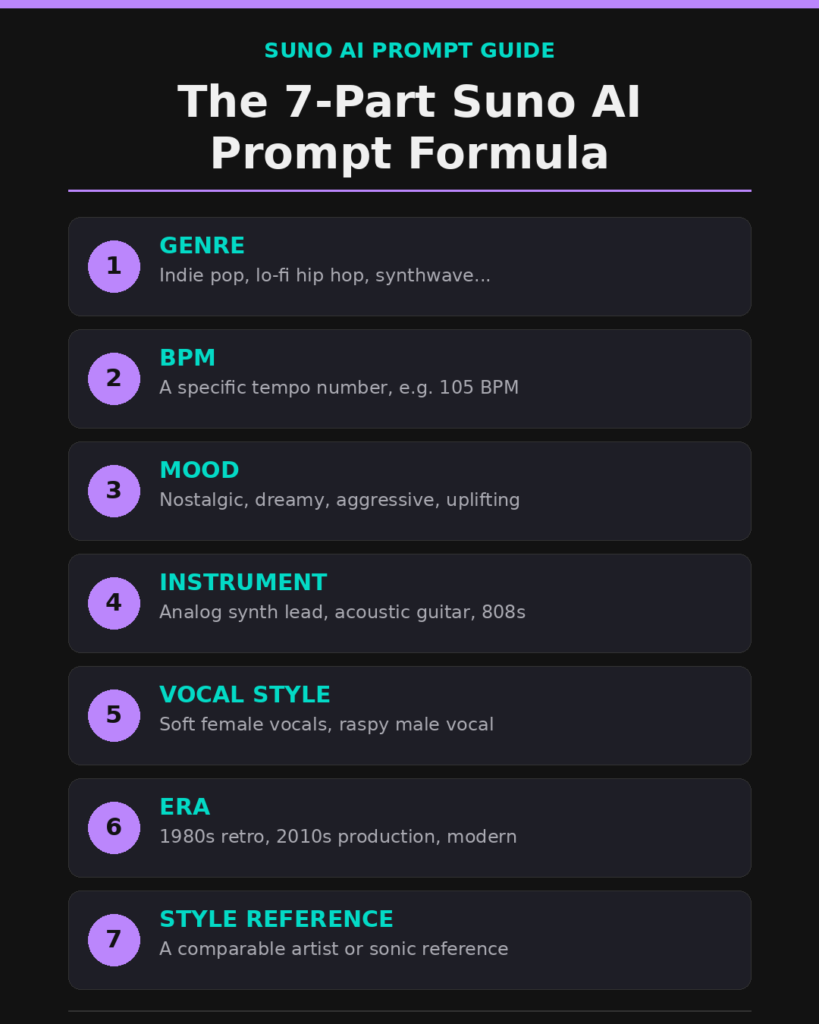
A strong Suno AI prompt follows a structured formula: Genre + BPM + Mood + Instrument + Vocal Style + Era + Style Reference. Instead of vague descriptions like “make a cool song,” use precise constraints such as “Indie pop, 105 BPM, nostalgic mood, analog synth lead, soft female vocals, 2010s production style.” Specificity guides the AI’s composition choices and dramatically improves melody, rhythm, and overall polish.
What are the best Suno AI prompts for beginners?
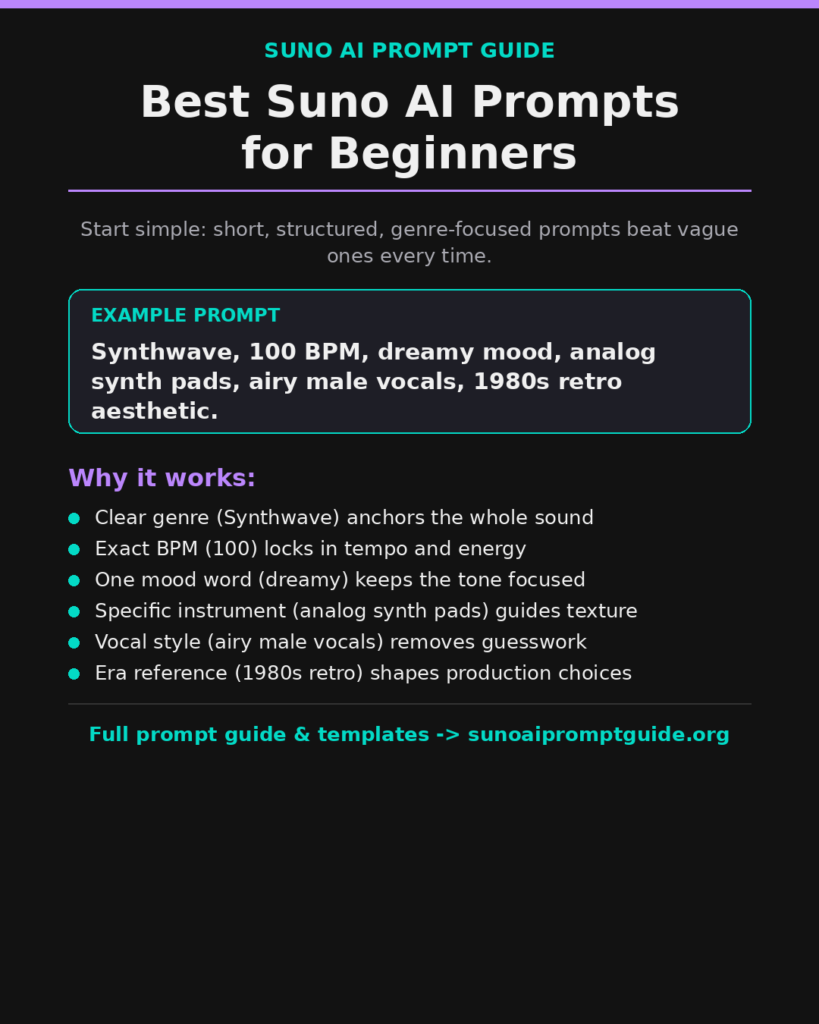
The best suno ai prompts for beginners are short, structured, and genre-focused. For example: “Synthwave, 100 BPM, dreamy mood, analog synth pads, airy male vocals, 1980s retro aesthetic.” Prompts like this give the AI enough direction without overwhelming it. Starting with clear tempo and mood instructions often produces cleaner and more cohesive tracks.
Can I control vocals using Suno vocal prompts?
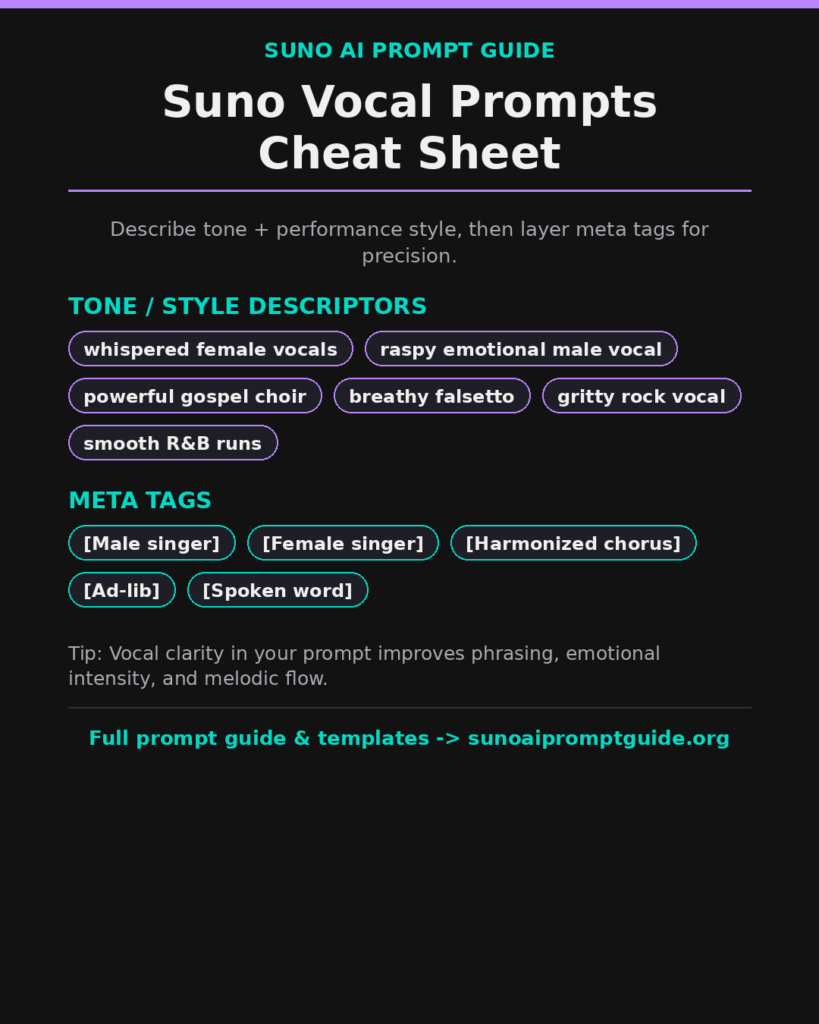
Yes, you can influence vocal delivery using clear suno vocal prompts. Specify tone and performance style such as “whispered female vocals,” “raspy emotional male vocal,” or “powerful gospel choir.” You can also use meta tags like [Male singer], [Female singer], or [Harmonized chorus] to refine output. Vocal clarity in your prompt improves phrasing, emotional intensity, and melodic flow.
Is there a Suno AI prompt guide PDF available?
Many creators compile their own Suno AI prompt guide pdf or Suno AI prompts list PDF for quick reference. These downloadable resources often include structured templates, BPM charts, mood libraries, and ready-to-copy examples. Creating your own PDF guide helps streamline your workflow and ensures consistency across projects.
How does a Suno prompts generator work?
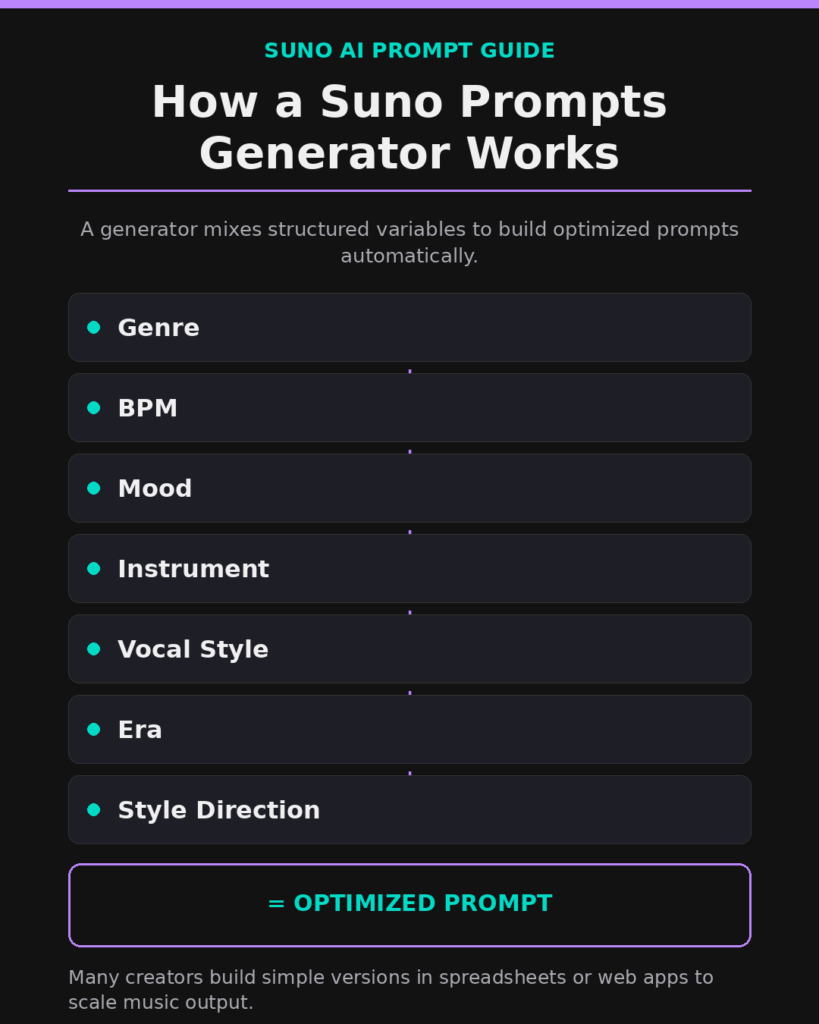
A Suno prompts generator combines structured variables to automatically create optimized prompts. It typically includes dropdowns or randomizers for genre, BPM, mood, instrument, vocal style, era, and stylistic direction. By systematically mixing these elements, you can produce high-performing prompts quickly. Many creators build simple versions in spreadsheets or web apps to scale their music output.
What is a super Suno prompt?
A super Suno prompt i( Suno AI advanced prompts) s a highly structured instruction that includes detailed tempo, emotional tone, instrumentation, and vocal guidance. It avoids vague language and focuses on measurable elements like BPM and production era. Advanced users refine super prompts by testing multiple variations and adjusting tempo or mood slightly to identify the strongest musical result.
Can I use Suno AI music for commercial purposes?
Commercial use depends on your subscription plan within Suno AI. Paid tiers typically provide commercial rights, allowing you to distribute songs on platforms like Spotify, YouTube, or in marketing campaigns. Always review the current licensing terms before monetizing your tracks to ensure compliance with usage policies.
How many variations should I generate per song idea?
Professional creators rarely stop at one generation. Producing 8 to 15 variations with small adjustments in BPM, vocal intensity, or mood often leads to stronger results. Iteration allows you to compare subtle differences in arrangement and emotional tone. This method increases your chances of creating a polished, stream-ready track.
What are common mistakes when using Suno AI?
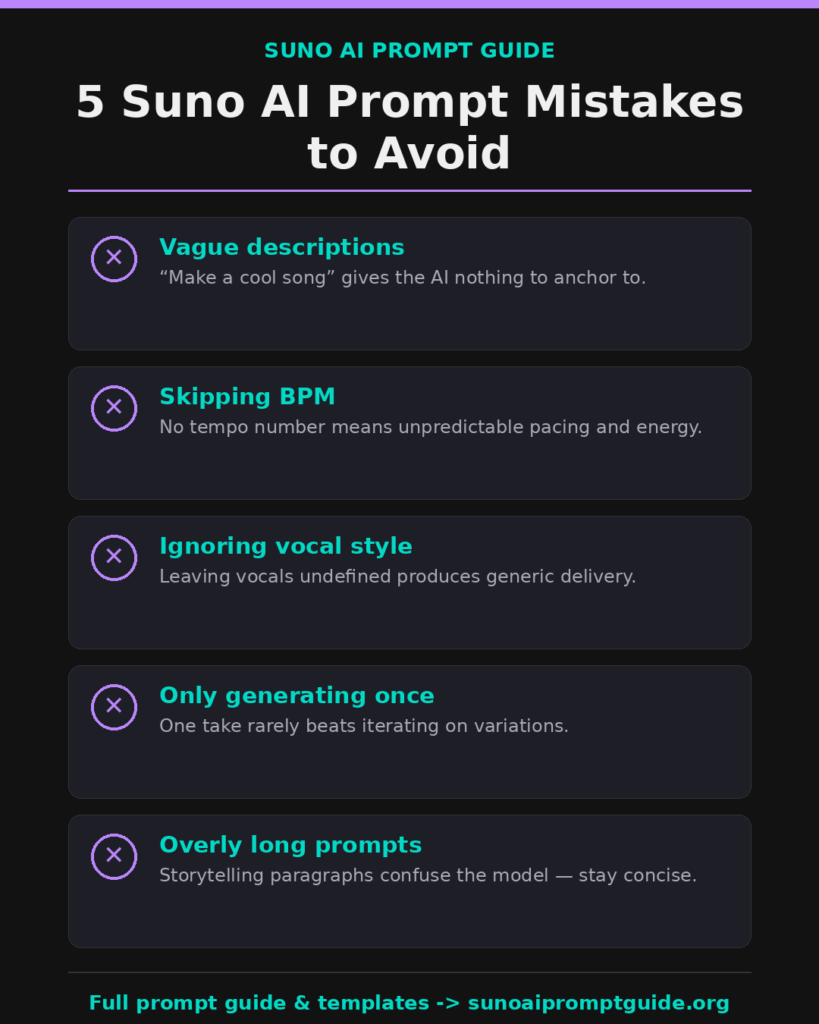
Common mistakes include writing vague prompts, skipping BPM, ignoring vocal style, and generating only one version. Overly long storytelling prompts can also confuse the model. Clear, concise, and structured instructions produce better outcomes. When you focus on precision instead of poetic descriptions, the AI responds with cleaner and more intentional compositions.
Conclusion
Mastering Suno AI is not about luck; it is about learning a new language of musical structure. By utilizing a 7-part prompt formula, experimenting with vocal meta tags, and iterating through multiple variations, you can transform average AI generations into professional-grade tracks. Whether you are building your own prompt generator or using a comprehensive guide, the key is consistency and specificity. Stop guessing and start structuring your path to AI music success today.
Buy the Ultimate Guide + 3,000+ Ready-to-Use Prompts